
Last Updated: October 28, 2026
Quick Summary
Integrated security systems tie cameras, access control, alarms and monitoring into one platform, so a single operator can see and act on events across a property. Shared data shortens the time between an event and a human decision. Their value depends on confirming protocol compatibility before purchase.
- Correlated events from several subsystems appear on one screen, so operators switch between fewer interfaces.
- Access events can be linked to the matching camera footage by time and location for investigations.
- Confirm protocol support and API documentation in writing before purchase, not assumed.
- A single integrated platform can create a single point of failure, so ask about failover and offline operation.
- Set baseline metrics before the project, such as response time and investigation retrieval time, then measure again after go-live.
Table of Contents
- What an Integrated Security System Is and How It Works
- Core Benefits of Integrated Security Systems
- CCTV and Access Control Integration in Practice
- Centralized Security Management for Multi-Site and Multi-Trade Properties
- Commercial Security System Integration: Cost, ROI and Limitations
- Security System Integration Best Practices and Planning Your Next Step
- Frequently Asked Questions
Integrated security systems tie cameras, access control, alarms and monitoring into one platform, so a single operator can see and act on events across a property. For commercial owners, integration brings information from separate systems together. This guide explains how integration works and where its limits lie, so you can judge whether it fits your building. Unified oversight becomes particularly critical when managing large-scale facilities, where centralized security monitoring ensures that complex environments remain protected through a cohesive and responsive command structure.
What an Integrated Security System Is and How It Works
An integrated security system is a set of security subsystems (video surveillance, access control, intrusion detection, fire alarm and sometimes building automation) that share data and respond through a common interface. Instead of separate panels that each report in isolation, the components exchange events and can trigger actions across each other.
How Security System Integration Connects Devices
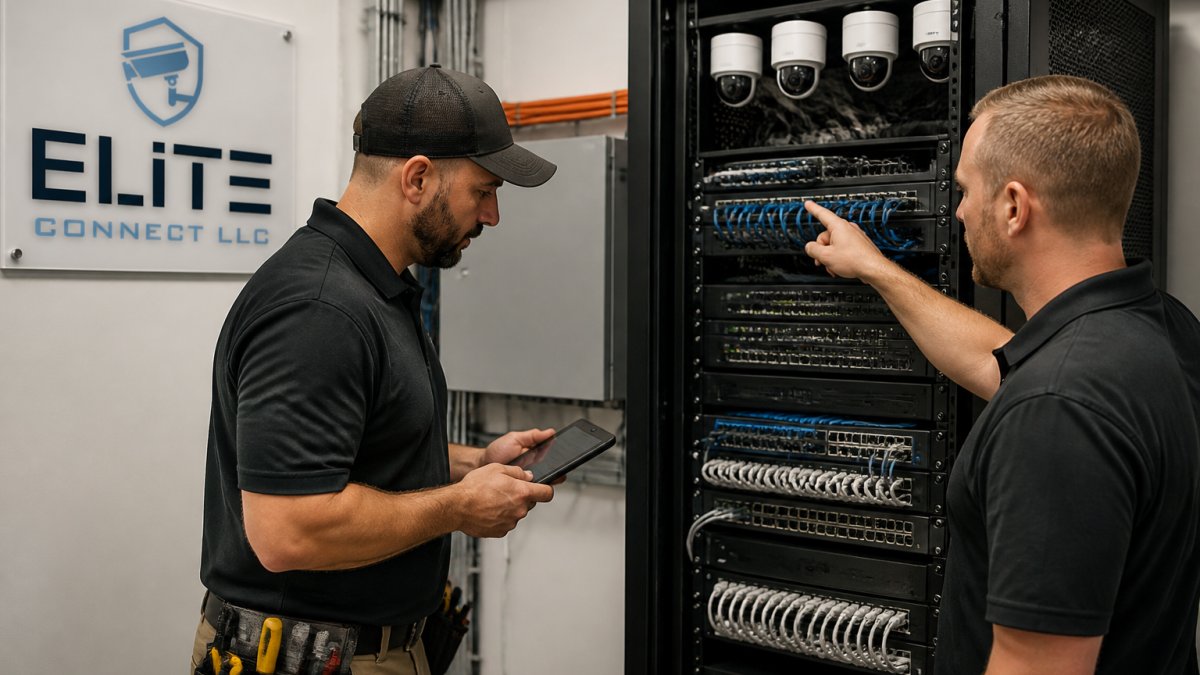
Integration typically runs over the network the cameras and controllers already use. Access control readers can send door-held or forced-door events to the video management system, which then tags the matching camera footage. An intrusion sensor can prompt a camera to display its view on an operator screen. Each connection depends on the manufacturers' supported protocols, so compatibility should be confirmed before purchase rather than assumed.
Core Benefits of Integrated Security Systems
The main gains come from shared information. When events from different subsystems arrive in one place, operators spend less time switching between screens and more time deciding what to do.
Improved Situational Awareness and Faster Incident Response
A correlated view lets staff see that a badge was denied at a loading dock door, that the adjacent camera shows an unfamiliar vehicle, and that a motion sensor tripped nearby, all on one screen. Teams can also set rules, such as locking specific doors or alerting a designated contact when two events occur together, so the first response starts automatically.
Reduced Manual Oversight and Operational Efficiency
Integration reduces the number of places someone must check. Centralized alarm management can bring alarm events and camera footage together for review. A poorly tuned rule set can generate as much noise as separate systems did.
CCTV and Access Control Integration in Practice
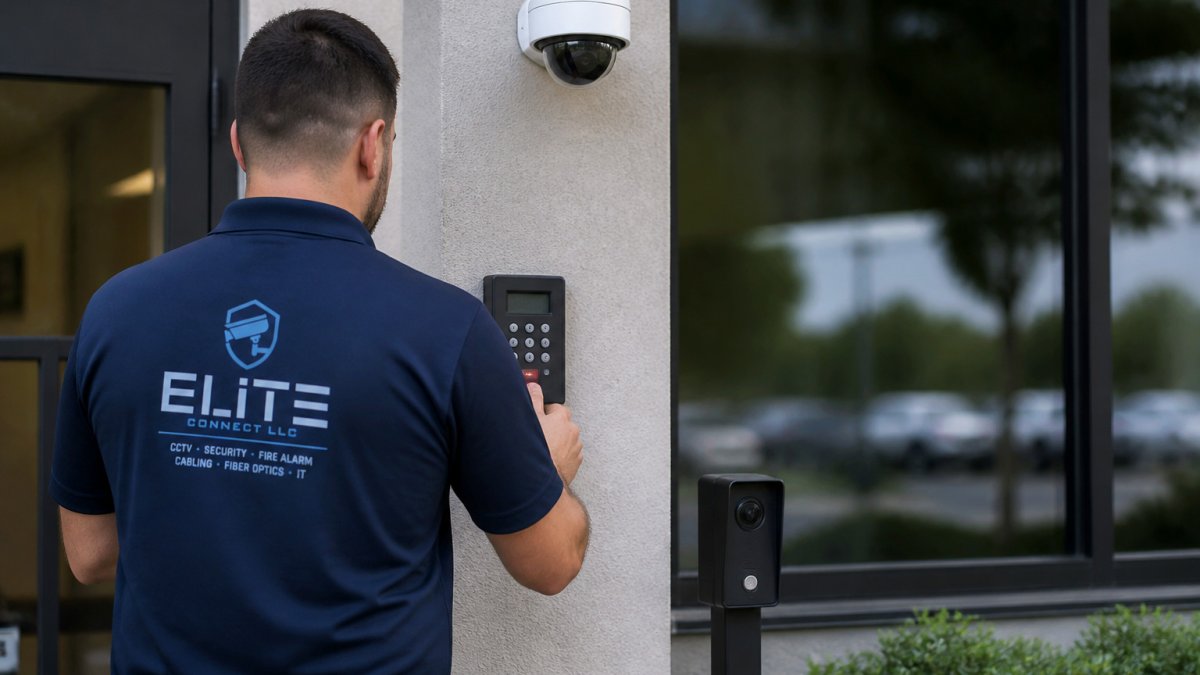
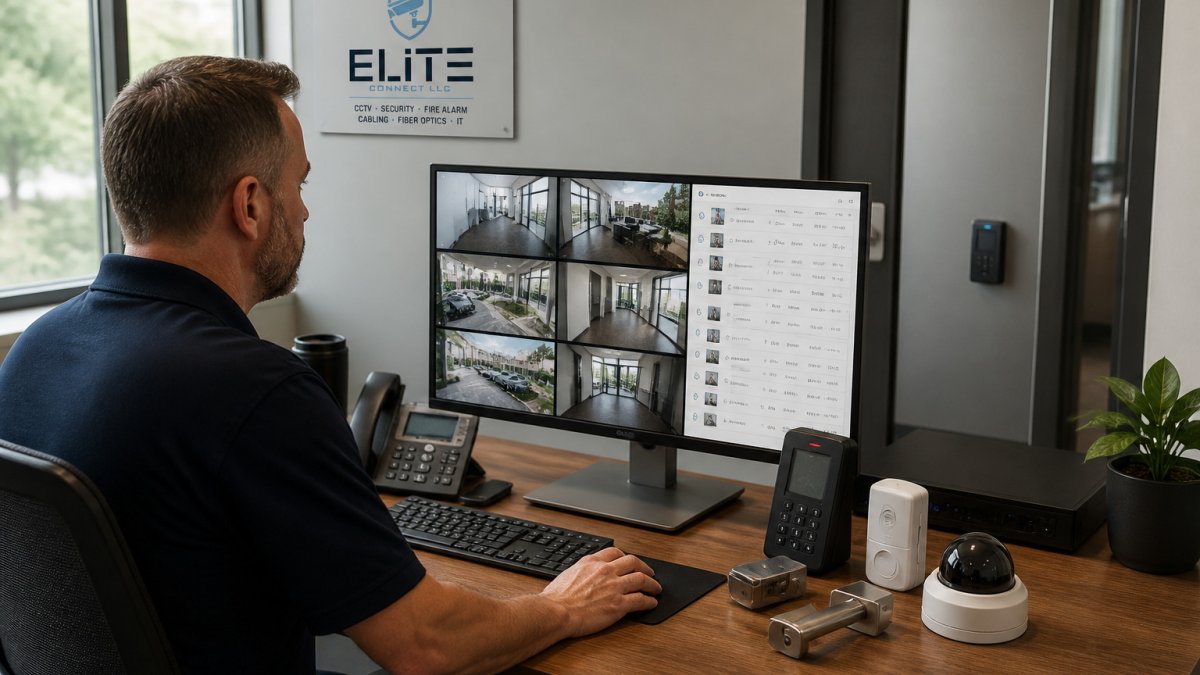
"They talk to each other" is not a specification. What actually makes the pairing work is a defined data path between the access control system and the video management system (VMS), and that path depends on supported protocols and APIs. Understanding the mechanism is what lets you assess feasibility before you buy.
How the Integration Actually Works
In a typical deployment, the access control system publishes events (badge granted, badge denied, door held open, door forced) and the VMS subscribes to those events and tags the matching camera footage. The two common connection models are:
- Native integration. The access control and VMS vendors have a documented, tested integration. Event mapping and timestamp sync are handled by the vendors.
- API or middleware integration. The systems connect through an open API or a third-party middleware layer. It requires configuration and testing.
Either way, the practical value shows up in investigations. When an access event is linked to the camera at that door, footage can be retrieved by time and location.
Interoperability and Legacy Compatibility
Before committing, confirm three things in writing:
- Protocol support. Does the existing access control panel expose events the VMS can consume? Does the VMS support the camera models on site? Open standards such as ONVIF for video help, but they do not guarantee every feature works across vendors.
- API documentation. If the integration relies on an API, ask for the documentation and confirm the vendor supports it, not just that it exists.
- Legacy equipment. Older panels and cameras may not support modern protocols, forcing partial integration or replacement.
Access control and camera hardware should be specified together. Mismatched frame rates, unsupported camera models, or weak network segmentation are common reasons integrations underperform. Our team at Elite Connect LLC configures these links as part of industry guidance on physical security systems design reviews, and we document each connection in the as-built record. Readers comparing options can review licensed IP camera and NVR installation to see what that work covers.
Where Integrations Fail in the Field
Failure points can include undocumented legacy wiring, network segments without enough bandwidth for video, time clocks that drift between systems (so footage and access logs do not line up), and rules that were never tested against real traffic.
The table below summarises the two common ways CCTV and access control are connected, so you can compare them at a glance.
| Connection model | How it works | Key consideration |
|---|---|---|
| Native integration | Vendors provide a documented, tested integration | Event mapping and timestamp sync handled by vendors |
| API or middleware integration | Systems connect through an open API or third-party layer | Requires configuration and testing |
| Protocol support | Panel must expose events the VMS can consume | Confirm in writing before purchase |
| Legacy equipment | Older panels and cameras may lack modern protocols | May force partial integration or replacement |
Centralized Security Management for Multi-Site and Multi-Trade Properties
Centralized management matters most for portfolios of buildings or properties where several trades install equipment. A single platform can bring event information and user permissions together across locations.
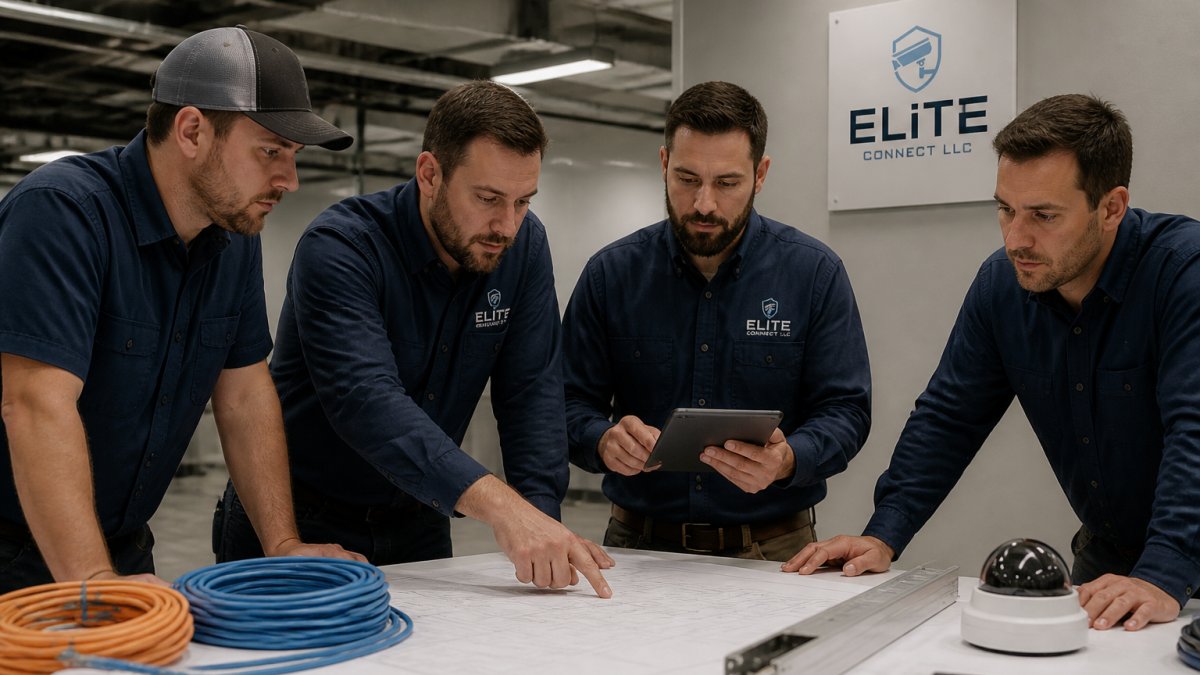
Multi-trade projects introduce coordination risk. When cabling, fire alarm, access control and cameras come from different contractors, responsibility for integration gaps often falls between them. Using one accountable contractor for the full low-voltage scope can make responsibility clearer. If you are coordinating several trades, see how to manage multiple low-voltage contractors. Centralized management is only as reliable as the underlying cabling and network design, which is why documentation of test results and as-built drawings belongs in the handover package.
Commercial Security System Integration: Cost, ROI and Limitations
Integration can involve capital and recurring costs. A total cost of ownership (TCO) model and defined metrics can help assess the project.
What Drives the Cost of an Integrated System
Integration costs can involve several categories:
- Hardware. Cameras, readers, controllers, intrusion panels, sensors, and the servers or appliances that host the platform. Existing equipment compatibility depends on the equipment and system requirements.
- Software and licensing. Video management, access control, and integration middleware are frequently licensed per device, per camera channel, or per door. Licensing is the line item most often underestimated because it recurs and grows as you add devices.
- Integration and configuration. The labor to connect subsystems, build event rules, map cameras to doors, and test every trigger.
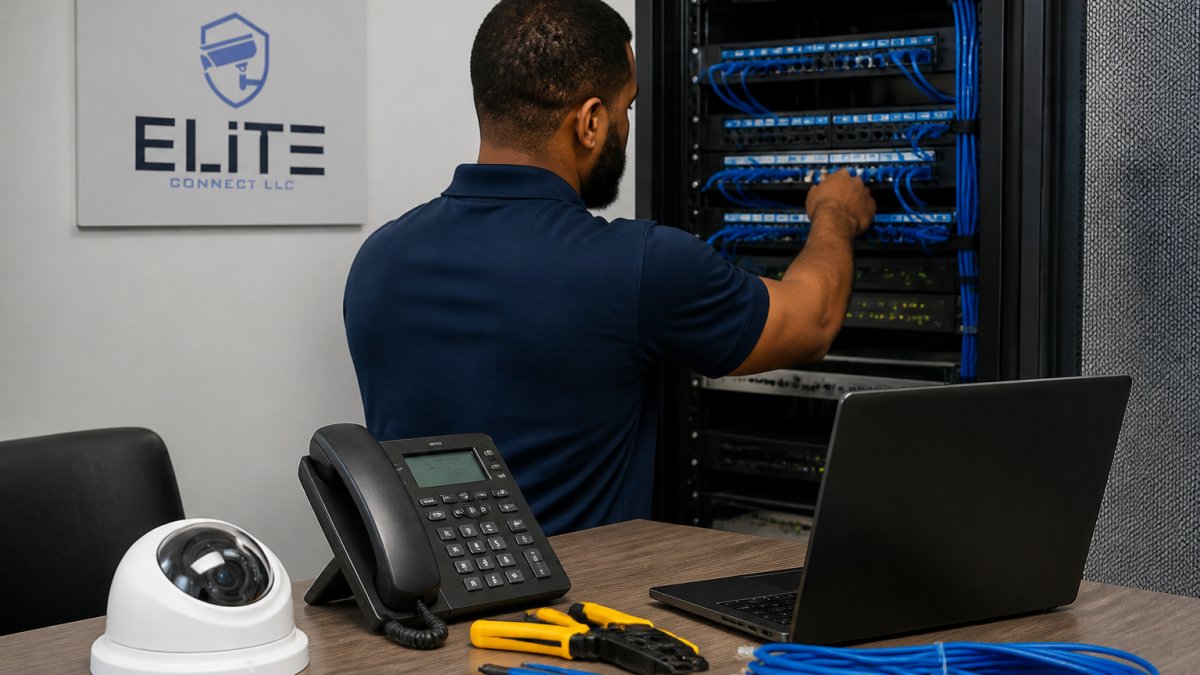
- Network and infrastructure. Switches, cabling, power (including PoE budgets), and segmentation.
- Maintenance, training, and lifecycle. Firmware updates, license renewals, rule reviews, operator training, and eventual replacement.
Pricing depends on project scope and site conditions. Request an itemized proposal from Elite Connect LLC.
How to Measure ROI
Operational metrics can be defined before deployment and tracked afterward. Examples include:
- Average incident detection-to-response time. Integration should shorten the gap between an event and a human decision.
- Unverified alarm rate. Camera-verified alarms can be reviewed before dispatch.
- Investigation retrieval time. Time to pull the footage and access record for a specific door and time window.
- Operator workload. Number of screens and logins a single operator must manage per shift.
- Guard or monitoring staffing hours. Consolidated monitoring can reduce the headcount needed to watch separate systems.
Set baseline numbers before the project, then measure the same metrics after go-live. Payback periods depend on project scope. A baseline can help assess the project.
Limitations and Failure Modes to Plan For
Integration concentrates risk as well as visibility. Plan for these failure modes explicitly:
- Single point of failure. One platform or server that everything depends on can take down monitoring for the whole property if resilience is weak. Ask about failover, redundant recording, and offline operation for doors and panels.
- Legacy incompatibility. Older equipment may not support modern protocols, forcing partial integration or replacement. Confirm compatibility in writing before purchase.
- Vendor lock-in. Proprietary platforms can make future expansion expensive. Favor open platforms and documented APIs where feasible.
- Cybersecurity exposure. Networked cameras and controllers must be segmented, patched, and password-protected, or the integrated system becomes an attack surface.
- Configuration drift. Rules that worked at commissioning degrade as traffic and staffing change. Schedule periodic rule reviews.
Data retention and access logging should follow the privacy rules that apply to your property and tenants, and retention periods should be set deliberately rather than left at defaults.
Security System Integration Best Practices and Planning Your Next Step
Start with a clear inventory of existing systems and a list of the outcomes you want, such as faster door verification or consolidated alarm response. Confirm protocol compatibility before selecting hardware, and plan network capacity for video traffic. Require test documentation and as-built records at handover, and set a maintenance schedule that includes firmware updates and periodic rule reviews.
Our NIST guidance on securing networked systems reviews are a good reference for the network side of the design. If you are planning an integrated system, the next step is a consultation: book a free consultation with a licensed low-voltage and security contractor who can assess your building and provide an itemized proposal. For a closer look at the components involved, explore our CCTV and access-control services. Understanding why accurate records matter for maintenance is also useful.
Frequently Asked Questions
What does an integrated security system mean?
An integrated security system links separate security devices, such as cameras, access control readers, intrusion alarms and fire alarm panels, so they run on a shared platform. Instead of monitoring each system in isolation, staff see events from all devices in one interface. A door held open can trigger a camera to record and an alert to reach the operator at the same time. Integration is what turns separate tools into a coordinated system. You can request a consultation and proposal through the company's website.
What are the main benefits of an integrated security system?
Integration can bring information from separate systems together. Operators may be able to review alarm events alongside video and access data. The specific capabilities depend on the systems and their configuration. The real value depends on how the system is designed, so ask any installer for test results and as-built drawings.
How does security system integration work?
Security system integration uses a central software platform or middleware that communicates with each device through open protocols or vendor integrations. Cameras, door controllers, alarm panels and sensors send events to the platform, which can then apply rules, such as showing camera video when a door forces open after hours. Compatibility matters: legacy equipment may need gateways or replacement before it can join the system. Planning the network, power and cybersecurity settings is one consideration when evaluating an integration project.
Can an integrated security system reduce security costs?
Whether an integrated system changes operating costs depends on the project. Pricing depends on scope and site conditions, so request an itemized proposal from Elite Connect LLC.
Elite Connect LLC designs and installs integrated security infrastructure for commercial, multi-family and residential properties across Virginia. Our team delivers NDAA-compliant systems, documented test results and as-built drawings, and manages the full low-voltage scope under one accountable contractor. Contact us to discuss your property and request a proposal.