
Table of Contents
- Why Traditional Security Camera Cabling Falls Short
- Wired vs. Wireless Security Cameras: Understanding Your Options
- Five Proven Alternatives to Conventional Camera Cabling
- Security Camera Installation Without Wiring: Practical Considerations
- Security Camera Power Options Beyond Traditional Cable
- Cost and Reliability: Comparing Installation Methods
- Choosing the Right Cabling Alternative for Your Property
- Frequently Asked Questions
Last Updated: October 7, 2026
Why Traditional Security Camera Cabling Falls Short
Traditional security camera cabling creates real problems for property managers and contractors. Running coaxial cables through walls, conduits, and ceilings takes time. It costs money. It limits where you can place cameras. And once it's installed, changing anything becomes expensive.
The core issue isn't the cable itself, it's the installation burden. Drilling holes, fishing wires through existing structures, and managing cable runs across large properties demands skilled labor. For older buildings or retrofits, the disruption can be significant. For properties spread across multiple locations, the logistics multiply fast.
This is where 5 alternatives to traditional security camera cabling become relevant. Modern camera systems no longer require you to choose between comprehensive coverage and installation simplicity. At Elite Connect LLC, we work with property managers across Virginia.
The key is understanding which alternative fits your specific property, distance requirements, and reliability needs.
Wired vs. Wireless Security Cameras: Understanding Your Options
The choice between wired and wireless security cameras shapes your entire installation strategy. Each approach has distinct trade-offs.
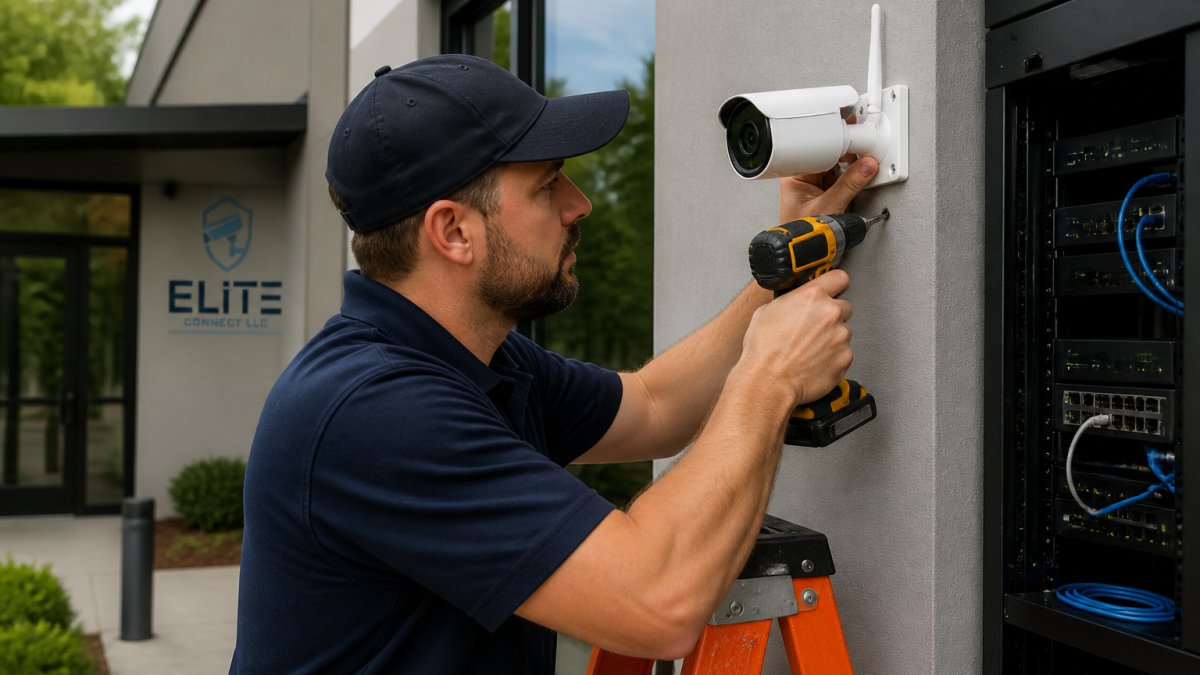
Wired security cameras connect through physical cables, either coaxial, Ethernet, or fiber-optic lines. They deliver consistent power and data transmission. They don't depend on Wi-Fi strength or cellular coverage. They're reliable for long-distance runs and high-bandwidth video streams. The downside: installation is labor-intensive and disruptive.
Wireless security cameras transmit video and data over radio frequencies or cellular networks. They're faster to deploy. You avoid drilling and conduit work. They're flexible, you can relocate them without rewiring. The trade-off is dependence on network connectivity and battery management for some models.
Most properties benefit from a hybrid approach. Use wireless cameras where installation speed matters. Deploy wired systems for permanent, high-traffic monitoring zones. This strategy balances cost, reliability, and coverage.
Five Proven Alternatives to Conventional Camera Cabling
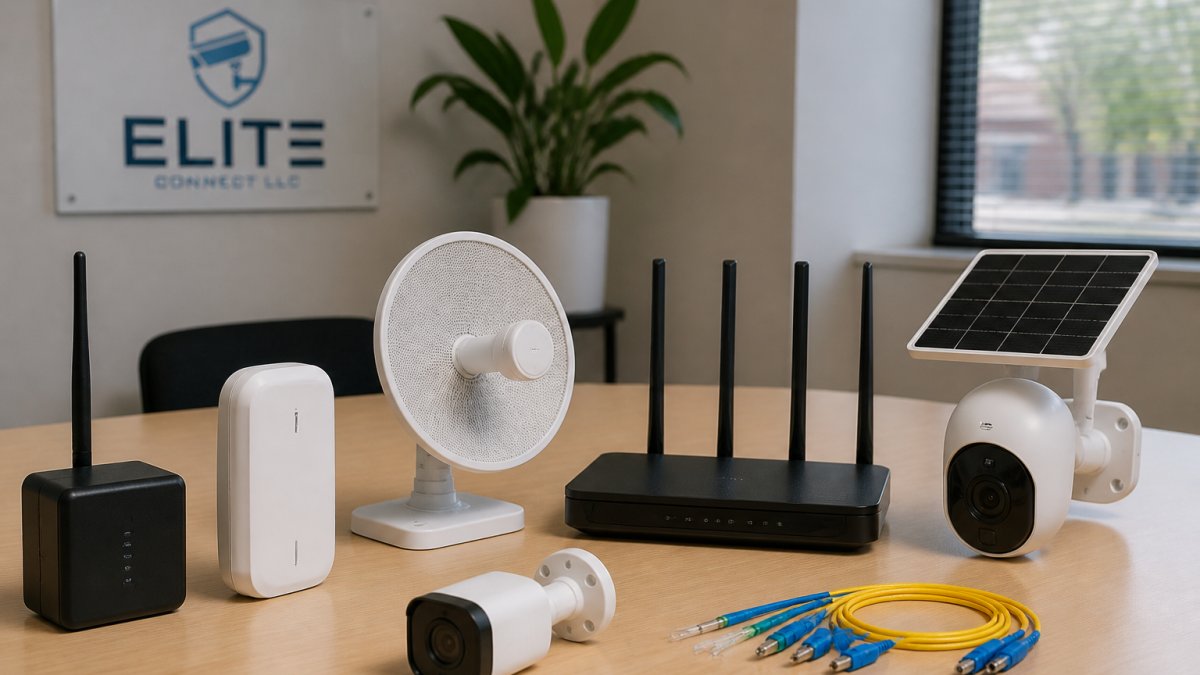
The five alternatives below represent the most practical departures from traditional coaxial and Ethernet runs. Each addresses specific installation, cost, or reliability constraints.
1. Wi-Fi and Mesh Network Cameras
Wi-Fi cameras transmit video directly to your network without running physical cables to each unit. They connect through your existing wireless infrastructure, or through a dedicated mesh system designed for security.
How it works: The camera broadcasts encrypted video to a receiver or cloud storage. Your network handles the data stream. No conduit. No cable runs. No wall penetration.
Best for: Small to medium properties. Indoor installations. Areas where cable runs would be costly or disruptive. Properties with strong, stable Wi-Fi coverage.
Pros:
- Fast installation, mount and connect
- No drilling or conduit work
- Easy to relocate cameras
- Lower upfront labor costs
- Works well indoors and in covered areas
Cons:
- Depends on Wi-Fi signal strength
- Bandwidth limitations on larger systems
- Potential interference from other devices
- May require network upgrades for multiple cameras
- Video quality can degrade with weak signal
2. Cellular Security Cameras
Cellular cameras bypass your property's network entirely. They use 4G LTE or 5G connectivity to transmit video to cloud storage or a mobile app.
How it works: The camera has a built-in cellular modem and a SIM card. Video streams directly to the cloud. No Wi-Fi required. No cable infrastructure needed.
Best for: Remote properties. Areas without reliable internet. Multi-site monitoring across dispersed locations. Properties where network upgrades aren't feasible.
Pros:
- Works anywhere with cellular coverage
- No network infrastructure required
- Ideal for temporary or mobile deployments
- Direct cloud integration
- No Wi-Fi dependency
Cons:
- Ongoing cellular service fees
- Higher per-unit cost
- Data usage can be substantial
- Dependent on carrier coverage
- Battery drain on solar-powered models
3. Power Over Ethernet (PoE) Systems
Power Over Ethernet delivers both data and electrical power through a single Ethernet cable (IEEE SA). This eliminates the need for separate power cabling and reduces installation complexity.
How it works: An Ethernet cable carries video data AND 12-48 volts of power to the camera. A PoE switch or injector at the source provides the power. The camera receives both simultaneously through one connection.
Best for: Commercial properties with existing structured cabling infrastructure. New construction with planned network runs. Properties requiring reliable, professional-grade systems. Locations where cable consolidation reduces clutter.
Pros:
- Single cable handles power and data
- Reduces cable runs and conduit needs
- More reliable than wireless for permanent installations
- Works with standard Ethernet infrastructure
- Easier to manage and troubleshoot
Cons:
- Requires PoE-capable switches or injectors
- Limited to Ethernet cable distance (typically 300 feet)
- Higher upfront equipment cost
- Requires professional network setup
- Not suitable for retrofit situations without existing cabling
4. Battery and Solar-Powered Cameras
Battery and solar-powered cameras eliminate the need for electrical connections entirely. They operate independently, powered by onboard batteries or solar panels.
How it works: The camera stores power in rechargeable batteries. Solar models charge during daylight. The camera transmits video wirelessly, typically over Wi-Fi or cellular. No power cable. No outlet required.
Best for: Remote monitoring zones. Temporary deployments. Properties where running power is impractical. Outdoor perimeter monitoring. Areas without nearby electrical infrastructure.
Pros:
- No power infrastructure needed
- Truly wireless installation
- Works in remote locations
- Flexible placement
- Minimal disruption during setup
Cons:
- Battery replacement or recharging required
- Solar models depend on weather and daylight
- Reduced video resolution or frame rate to conserve power
- Higher per-unit cost
- Limited recording capability compared to powered systems
5. Fiber-Optic Camera Networks
Fiber-optic cabling transmits video signals as light pulses through glass or plastic strands. This technology offers exceptional distance capability and immunity to electromagnetic interference.
How it works: Video signals convert to light at the source. The light travels through fiber strands to a receiver at the hub. The receiver converts the signal back to video. No electrical interference. No signal degradation over distance.
Best for: Large commercial properties. Long-distance camera runs (over 1,000 feet). Environments with heavy electromagnetic interference. High-security installations requiring strong, future-proof infrastructure.
Pros:
- Exceptional transmission distance
- Immune to electromagnetic interference
- Higher bandwidth than coaxial cable
- Secure, difficult to tap or intercept
- Supports future technology upgrades
Cons:
- Highest material and installation cost
- Requires specialized technicians
- More fragile than copper cabling
- Overkill for small or simple installations
- Longer lead times for equipment
Security Camera Installation Without Wiring: Practical Considerations
Wireless and cable-free camera systems simplify installation, but they introduce new considerations.
Network planning matters. Wireless cameras depend on signal strength. Before deployment, audit your Wi-Fi coverage or cellular reception in target areas. Weak signal creates blind spots or dropped recordings. A site survey prevents costly rework.
Power management becomes critical. Battery and solar cameras require monitoring. Depleted batteries mean downtime. Solar models underperform in winter or cloudy climates. Plan for regular maintenance checks.
Cybersecurity is non-negotiable. Wireless systems transmit over open networks. Encryption, strong passwords, and regular firmware updates protect against unauthorized access. This is where professional installation adds real value, proper configuration from the start prevents vulnerabilities.
Bandwidth planning prevents bottlenecks. Multiple wireless cameras competing for network bandwidth degrade video quality. A network assessment ensures your infrastructure can handle the load.
Security Camera Power Options Beyond Traditional Cable
Power delivery shapes your installation choices. Beyond traditional 110-volt electrical runs, several alternatives exist.
Battery power offers flexibility. Cameras operate independently from building electrical systems. The trade-off: batteries deplete and require replacement or recharging. For temporary deployments or remote locations, batteries make sense. For permanent, always-on systems, they become a maintenance burden.
Solar charging extends battery life indefinitely, in theory. In practice, solar performance depends on sunlight, season, and weather. A camera in a shaded area or a cloudy climate won't charge adequately.
PoE power integrates with your network infrastructure. One cable delivers power and data. This approach scales well for multi-camera deployments and professional installations. It requires network equipment investment upfront.
Cellular modems with battery backup offer hybrid power. The camera charges during the day. Cellular connectivity ensures video uploads even during power loss. This combination suits critical monitoring zones where uptime is essential.
Cost and Reliability: Comparing Installation Methods
Installation cost and long-term reliability differ significantly across methods.
Wireless Wi-Fi systems have the lowest upfront installation cost. No drilling, minimal labor. The catch: they depend on network stability. A failed router or interference means lost coverage.
Cellular cameras eliminate network dependency. Video uploads to the cloud regardless of local connectivity. The trade-off: monthly service fees accumulate. A five-camera cellular system costs more annually than a wired system over time.
PoE systems cost more initially, switches, injectors, professional installation. Over five to ten years, they're reliable and require minimal maintenance. No batteries to replace. No network troubleshooting. They're the most cost-effective choice for permanent, professional installations.
Battery and solar cameras appeal to budget-conscious deployments. No infrastructure investment. The hidden cost: maintenance labor. Replacing batteries quarterly or checking solar panels seasonally adds up.
Fiber-optic networks demand the highest capital investment. Installation requires specialized technicians. For large properties or mission-critical systems, the reliability and future-proofing justify the expense. For small installations, fiber is overkill.
| Installation Method | Upfront Cost | Annual Maintenance | Best For | Reliability |
|---|---|---|---|---|
| Wi-Fi Wireless | Low | Low | Small properties, indoor | Moderate |
| Cellular | Low | High (service fees) | Remote areas, multi-site | Good |
| PoE Ethernet | Medium-High | Very Low | Commercial, permanent | Excellent |
| Battery/Solar | Low-Medium | Medium (battery replacement) | Temporary, remote | Fair-Good |
| Fiber-Optic | High | Low | Large properties, long runs | Excellent |
Choosing the Right Cabling Alternative for Your Property
Your choice depends on four factors: property size, distance requirements, installation timeline, and budget constraints.
For small residential properties under 5,000 square feet: Wi-Fi or battery cameras often suffice. Installation is quick. Cost is minimal.
For multi-unit residential complexes: PoE systems or hybrid approaches work best. You need consistent, reliable coverage across multiple buildings. Professional installation ensures proper configuration.
For remote or dispersed properties: Cellular cameras excel. They operate independently. No network infrastructure needed. Monthly service costs are predictable and manageable for critical monitoring zones.
For long-distance outdoor runs: Fiber-optic cabling or cellular cameras handle distance without signal degradation. Fiber is permanent and secure.
For retrofits in older buildings: Wireless or cellular systems avoid the disruption of running new cabling through existing walls and ceilings. Installation is non-invasive.
At Elite Connect LLC, we help property managers and contractors evaluate these trade-offs.
Choosing beyond traditional security camera cabling doesn't mean sacrificing reliability or coverage.
Frequently Asked Questions
What kind of wire do I need for security cameras?
Traditional security camera installations typically use coaxial cable (RG59 or RG6), Cat5e or Cat6 Ethernet cable, or Siamese cable that combines video and power in one run. The choice depends on your camera type, transmission distance, and whether you need power delivery alongside video signal. Coaxial cable works well for analog CCTV systems over short distances, while Ethernet supports modern IP cameras and can carry power via PoE. For long-distance applications, fiber-optic cable offers superior signal quality and immunity to electromagnetic interference. Your specific needs, camera compatibility, cable run length, and installation environment, should guide your selection.
Can security cameras work without an internet connection?
Yes. Wired analog CCTV systems with local recording devices (DVRs) operate independently of internet connectivity. Similarly, battery-powered or solar cameras can record locally to onboard storage or microSD cards without needing Wi-Fi or cellular data. However, if you want remote monitoring from a smartphone or desktop computer, you'll need either an internet connection for cloud-based systems or a local network connection to access your recorder. Cellular cameras provide an alternative by using LTE or 5G networks instead of Wi-Fi, enabling remote access even in areas without broadband.
How do you power a security camera without running a cable?
Several options eliminate the need for separate power cabling. Power Over Ethernet (PoE) cameras receive both data and electricity through a single Ethernet cable, reducing installation complexity. Battery-powered cameras offer complete cable-free operation, though they require regular charging or battery replacement. Solar-powered cameras combine batteries with photovoltaic panels for extended runtime without manual intervention. Cellular cameras typically run on batteries paired with solar panels. Each approach trades off convenience against maintenance requirements and upfront costs, batteries need periodic attention, while PoE still requires one cable run alongside video transmission.
Is a wired or wireless security camera better?
Wired cameras can deliver consistent, high-bandwidth video signal and continuous power, which can be reliable for surveillance in commercial settings and multi-unit residential complexes. They require installation effort but can eliminate dependency on Wi-Fi signal strength and battery management. Wireless cameras offer flexibility and faster deployment, especially for temporary monitoring or properties where running cable is impractical. Wireless systems are vulnerable to signal interference and require stable internet connectivity. The choice depends on your property size, distance between cameras and recording equipment, reliability requirements, and willingness to manage network or battery maintenance. Many installations combine both for optimal coverage.