
Table of Contents
- Understanding Hawk Security and Why Businesses Seek Alternatives
- Top Hawk Security Alternatives for Business
- Feature Comparison: Hawk Alternatives Side by Side
- Business Access Control Systems and Monitoring Capabilities
- Security System Installation Proposal and Documentation Standards
- Security System Documentation and As-Builts: What Matters
- How to Choose the Right Hawk Security Alternative for Your Business
- Step 1: Define the scope you are replacing
- Step 2: Check compatibility with existing equipment and infrastructure
- Step 3: Plan the migration and implementation timeline
- Step 4: Evaluate support, training, and service coverage
- Step 5: Calculate switching costs and total cost of ownership
- Step 6: Match the alternative to your business profile
- Frequently Asked Questions
Last Updated: October 21, 2026
Understanding Hawk Security and Why Businesses Seek Alternatives
Businesses evaluating hawk security alternatives for business want integrated solutions that go beyond a single-product platform, not separate vendors for surveillance, access control, cabling, and IT.
Hawk security solutions excel at specific functions but don't integrate the broader infrastructure most commercial properties need.
Businesses often implement Hawk, realize it solves only part of the problem, and search for alternatives that handle the full scope.
Below are the top hawk security alternatives for business and how to match the right solution to your requirements.
Top Hawk Security Alternatives for Business
Before comparing vendors, confirm which "Hawk" product you are replacing. Search results mix unrelated offerings sharing the name: DIY alarm kits, commercial video platforms, and companies whose names merely contain "Hawk." If replacing a DIY kit, shortlist small-business alarm and camera systems; if replacing a commercial video platform, shortlist business video surveillance and access control providers.
A business-focused shortlist of direct alternatives
These providers are most commonly evaluated by businesses replacing a Hawk-branded product. Each sells to commercial buyers, supports professional or dealer installation, and offers overlapping monitoring, video, or access control.
- ADT Commercial / ADT Business. Best for businesses that want professionally installed and monitored intrusion, video, and access control with a national service footprint. Comparable because it covers the same core functions as a Hawk alarm or camera deployment and adds central-station monitoring and service contracts. Trade-off: multi-year monitoring agreements and dealer-dependent installation quality.
- SimpliSafe. Best for a single small location (roughly 3,000-5,000 sq ft) that needs fast, wireless intrusion and camera coverage without enterprise pricing. Comparable because it replaces a DIY-style Hawk kit directly. Trade-off: limited multi-site management and limited native access control.
- Vivint Business. Best for mid-market businesses that want video, intrusion, access, and environmental monitoring in one app. Comparable because it consolidates functions a Hawk deployment may split across devices. Trade-off: premium pricing and long contract terms.
Business requirements matrix
Use this to compare candidates against explicit needs rather than broad feature claims. Mark each row as native, integration-required, or not supported based on the vendor's current business offering.
| Business requirement | What to verify | Why it matters |
|---|---|---|
| Access control | Badge, mobile credential, or biometric readers; door controllers; lockdown and schedule automation | A camera-only system cannot control who enters restricted areas |
| Video monitoring | Local or cloud recording, retention period, remote viewing, alerting | Retention and remote access drive both cost and investigations |
| Intrusion detection | Panel, sensors, central-station monitoring, alarm response | Determines whether you get police/guard response or only notifications |
| Integrations | Video-to-access events, fire alarm coordination, IT/network compatibility, API availability | Integration gaps create manual work and blind spots |
| Deployment model | Wired vs. wireless, PoE and cabling needs, network and power requirements | Drives installation time, disruption, and total cost |
| Multi-site management | Single dashboard, role-based permissions, per-site reporting | Critical for property managers and multi-location operators |
| Support and service | Hours, response times, on-site coverage, warranty, firmware updates | Determines downtime and long-term reliability |
| Compliance and documentation | As-builts, test results, data handling, NDAA considerations | Required for government contracts and regulated industries |
Transparent cost drivers
Most business security providers quote rather than publish prices, so compare cost structure instead of a single number. Expect these components:
- Hardware: cameras, recorders, panels, readers, controllers, sensors, and network gear. Unit counts and model tiers are the largest swing factor.
- Installation and cabling: labor, conduit, cable runs, mounting, and network configuration. Wired access control and long camera runs cost more than wireless kits.
- Recurring fees: monitoring, cloud video storage, software licenses, and cellular backup. These are usually per device or per site per month and are where multi-year contracts hide.
Security, privacy, and compliance details to request
Competitor roundups rarely cover this, but it is where business buyers get exposed. Ask each vendor: where video and access data are stored and for how long; who can view your footage; how permissions and audit logs work; encryption in transit and at rest; vulnerability disclosure and firmware update practices; and whether hardware complies with federal procurement restrictions such as NDAA Section 889.
Feature Comparison: Hawk Alternatives Side by Side
| Solution | Best For | Key Strength | Primary Limitation |
|---|---|---|---|
| ADT Business | Mid-market customization | Flexible, scalable monitoring | Complex implementation |
| SimpliSafe | Small single-location businesses | Fast, affordable, wireless | Limited multi-site capability |
| Vivint | Integrated multi-site operations | Unified platform across functions | Premium pricing tier |
| Rhombus | AI-driven surveillance analytics | Real-time behavioral intelligence | Requires separate integration |
| Elite Connect LLC | Full infrastructure accountability | Single-point accountability + compliance | Specialized for complex properties |
Business Access Control Systems and Monitoring Capabilities
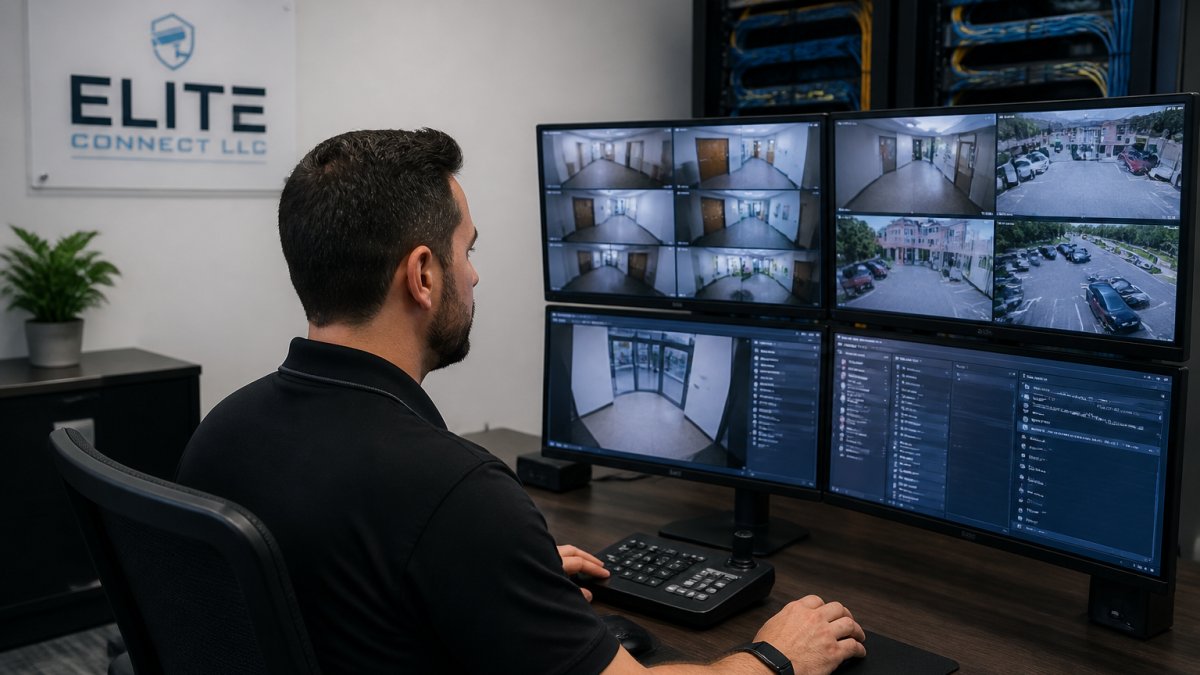
Many standalone security solutions handle surveillance well but treat access control as an afterthought. A strong business access control system requires integration with physical infrastructure: cabling, network architecture, power distribution, and backup systems.
The best alternatives combine several capabilities:
- Credential management: Badge readers, biometric scanners, or mobile credential systems that grant or deny access based on role and real-time permissions
- Real-time visibility: Dashboard showing who accessed which areas and when, with audit trails for compliance
- Integration with surveillance: When access is denied or granted, the system automatically captures video context
Elite Connect LLC handles all of these as an integrated system, designing access control as part of your overall security infrastructure with proper cabling, network architecture, and documented compliance from day one.
Security System Installation Proposal and Documentation Standards
A security system is only as good as its documentation.
A professional security system installation proposal should include:
- Itemized scope of work with specific equipment models and quantities
- Detailed site plans showing camera placement, cabling routes, and access points
- Network architecture diagrams showing how systems integrate
- Power requirements and backup specifications
Many contractors skip this detail, quote a lump sum, install, and move on, leaving no reference point for troubleshooting later.
Elite Connect LLC includes comprehensive proposals and documentation as standard practice, providing test results, as-builts, and compliance certifications. If a system fails six months later, you have baseline specifications to troubleshoot quickly.
Security System Documentation and As-Builts: What Matters
Security system documentation and as-builts aren't administrative overhead, they're the foundation of system reliability and compliance. What matters:
- As-built drawings: Accurate floor plans showing actual cable routes, equipment locations, and system topology. Not what was planned; what was actually installed.
- Test results: Proof that every component was tested and performs to specification. Cable continuity, network bandwidth, access control response time, video resolution, documented.
- System configuration records: How the system is actually configured, including user roles, access schedules, alert thresholds, and integration points.
- Compliance certifications: For NDAA environments, government contracts, or regulated industries, certifications proving the system meets required standards.
Without these, you're flying blind: a camera fails and you can't tell whether it's power, network, or hardware; access control stops responding and you can't distinguish a configuration problem from a connectivity issue.
Elite Connect LLC treats documentation as part of the deliverable, providing as-builts, test results, and compliance records, what separates a system that works from one that only looks like it works until something breaks.
How to Choose the Right Hawk Security Alternative for Your Business
Choosing an alternative is a migration decision, not just a product decision. The right choice depends on what you're replacing, what you must keep, and how much disruption you can absorb during cutover. Work through these in order.
Step 1: Define the scope you are replacing
List every function the current Hawk deployment performs: cameras and recording, door access, intrusion detection, alarm monitoring, and integrations with IT, fire, or building systems. Mark each as must-keep, nice-to-have, or retire; this becomes the requirements matrix you score vendors against. Skipping this step often leads businesses to buy a strong camera platform, then discover they still need separate access control and alarm vendors.
Step 2: Check compatibility with existing equipment and infrastructure
Before committing, confirm what can be reused. Ask each vendor:
- Can existing cameras, readers, or panels be retained, or must they be replaced?
- Does the system run on your current network, PoE switches, and power infrastructure, or does it require upgrades?
- Are there open APIs or standard protocols (for example, ONVIF for video) that allow integration with systems you are keeping?
- What happens to recorded video and access logs during the transition?
Reusing hardware lowers cost but can lock you into older firmware and support limits. Replacing everything raises cost but simplifies long-term support. Get this trade-off in writing.
Step 3: Plan the migration and implementation timeline
A typical commercial migration follows a predictable sequence: site survey and design, proposal and compliance review, hardware procurement, cabling and network work, installation and configuration, testing, training, and cutover. Small single-site wireless deployments move quickly; wired multi-site access control projects take substantially longer because cabling and door hardware drive the schedule. Ask each vendor for a written timeline with dependencies and a cutover plan that keeps coverage active, such as running old and new systems in parallel.
Step 4: Evaluate support, training, and service coverage
Support is where cheap alternatives become expensive. Confirm support hours, response-time commitments, on-site coverage area, warranty terms, and how firmware and security updates are delivered. Ask who trains your staff and whether training is included or billed separately. For multi-site operators, confirm whether support is centralized or handled by local dealers, whose quality varies.
Step 5: Calculate switching costs and total cost of ownership
Switching costs include hardware replacement, cabling and installation, configuration and integration labor, staff training, parallel-run periods, and early-termination fees. Compare candidates on a three-year total combining hardware, installation, recurring monitoring and subscription fees, support, and expected replacement or upgrade costs. A lower monthly fee with a long contract and expensive hardware can cost more over three years than a higher monthly fee with reusable equipment.
Step 6: Match the alternative to your business profile
- Single small location, basic intrusion and cameras: SimpliSafe or ADT Business.
- Mid-market with integrated video, access, and environmental monitoring: Vivint Business or Verkada.
- AI-driven video analytics on top of existing access control: Rhombus.
- Open, standards-based hardware with integrator support: Axis Communications with a certified integrator.
The deciding factor is usually accountability. With point solutions, you coordinate multiple vendors when something breaks; with an integrated provider, one contractor owns design, installation, documentation, and support. For straightforward single-site surveillance, a point solution suffices; for multi-site or regulated environments, prioritize a provider that can document and support the whole system.
Frequently Asked Questions
What should a business compare when choosing a security provider as a Hawk security alternative?
Evaluate monitoring and surveillance capabilities, access control integration, video monitoring quality, installation and support reliability, and documentation standards. Request detailed proposals that include test results and as-builts. Compare total cost of ownership, not just equipment pricing. Verify the provider's experience with your business type and size, and confirm they offer scalable solutions that grow with your needs.
What should a business security installation proposal include?
A complete security system installation proposal must detail all equipment, labor, timeline, and compliance requirements. Include itemized costs, integration specifications, access control configuration, and surveillance system layout. The proposal should specify test results, as-built documentation, warranty terms, and post-installation support. Request clarity on who handles each trade involved, security, cabling, IT, to avoid gaps in accountability and ensure seamless integration.
How can a business verify the quality of a low-voltage security installation?
Request comprehensive documentation including test results, as-built drawings, and compliance certifications before signing off. Verify the installer holds appropriate licenses and certifications for all trades involved. Ask for references from similar business projects. Confirm that the provider offers long-term support and can troubleshoot integration issues. Quality installations include detailed documentation of every component, connection, and system test to eliminate hidden corner-cutting.
What is the best security system for a small business?
The best small business security system balances affordability, ease of management, and integration with existing infrastructure. Look for solutions that combine video surveillance, access control, and alarm monitoring without requiring complex IT expertise. Scalable platforms work well as businesses grow. Consider providers offering transparent pricing, clear documentation, and responsive support. Ensure the system can integrate with your existing cabling and network infrastructure to minimize installation costs and complexity.